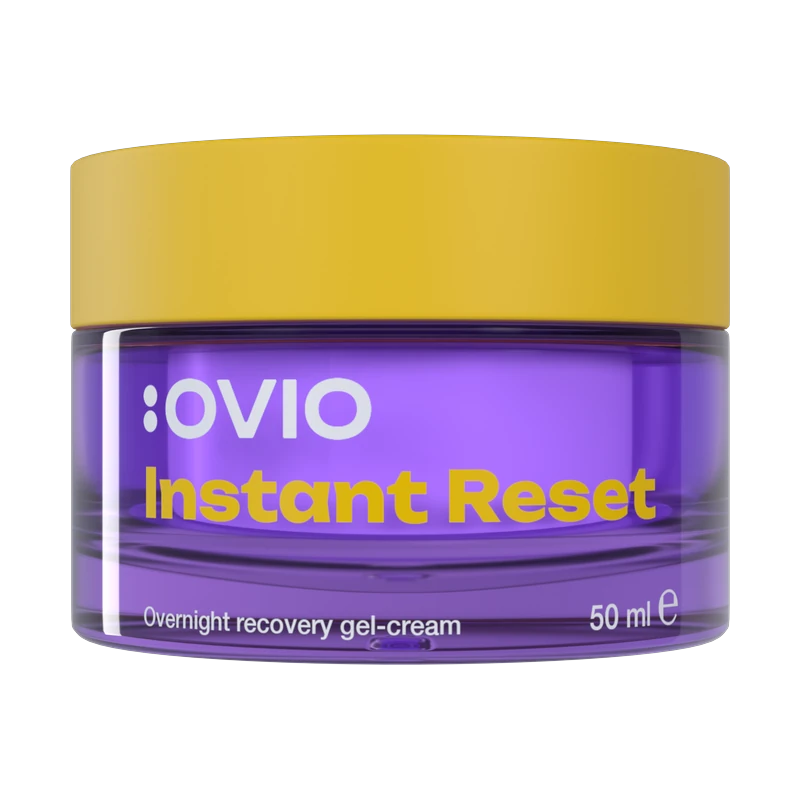
Studio
Set up once. Every variant follows.
Studio turns your approved packaging artwork into packshots, GS1 product images, product videos and interactive 3D models, all from one digital product.
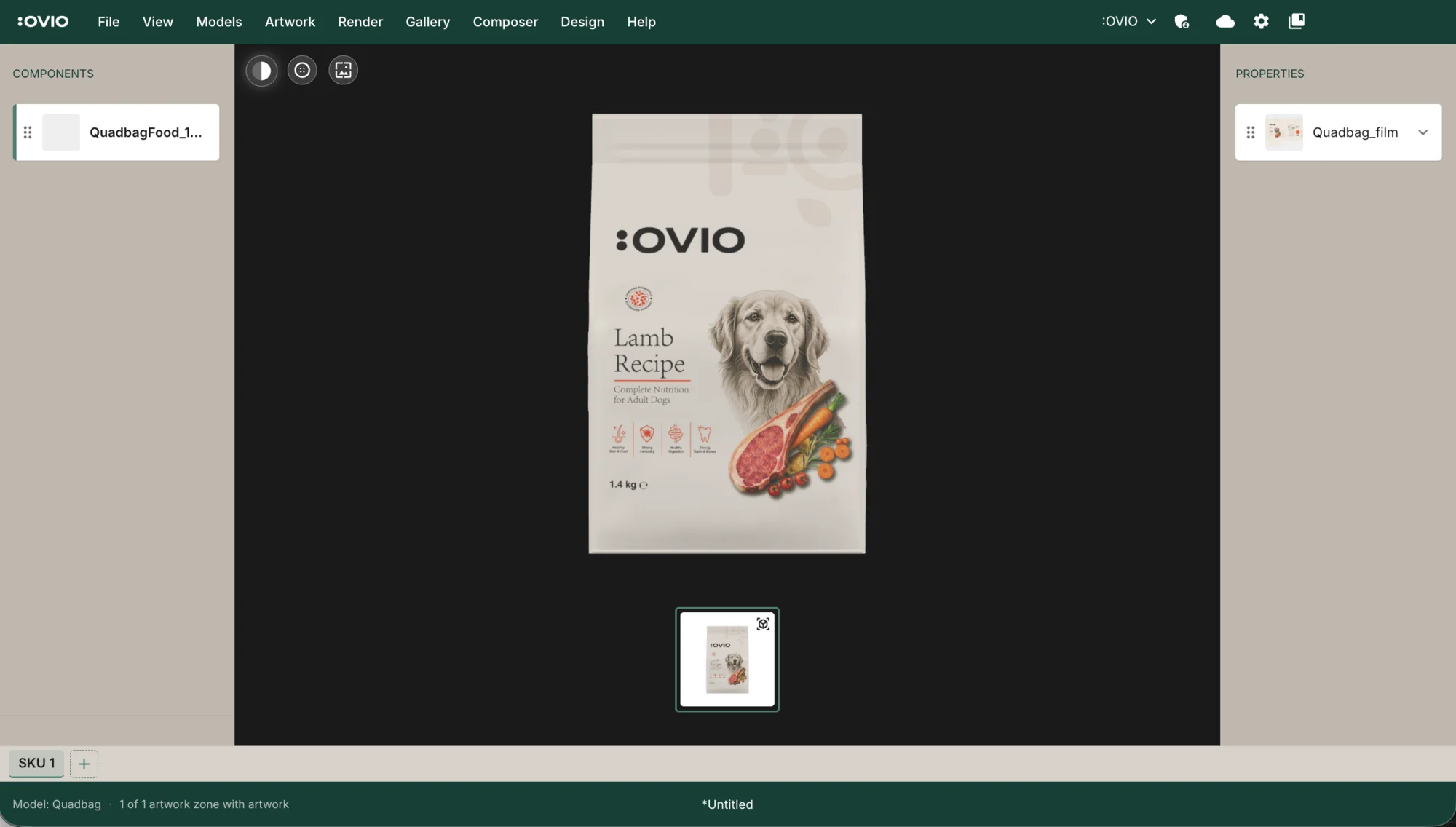
From print file to product content
Import
Load the approved print PDF, the same file that goes to the printer.
Extract
Studio takes the artwork out of the file.
Place
The artwork goes onto the 3D model of the pack.
Render
The views you need, in minutes.
Everything a pack needs, from one model
Packshots
On white or transparent, as PNG or as TIFF with a clipping path.
GS1 product images
The defined set of angles every product needs, front, sides and back.
Product videos
Spins and moving shots of the pack.
Interactive 3D models
A model of the pack that turns in a web page.
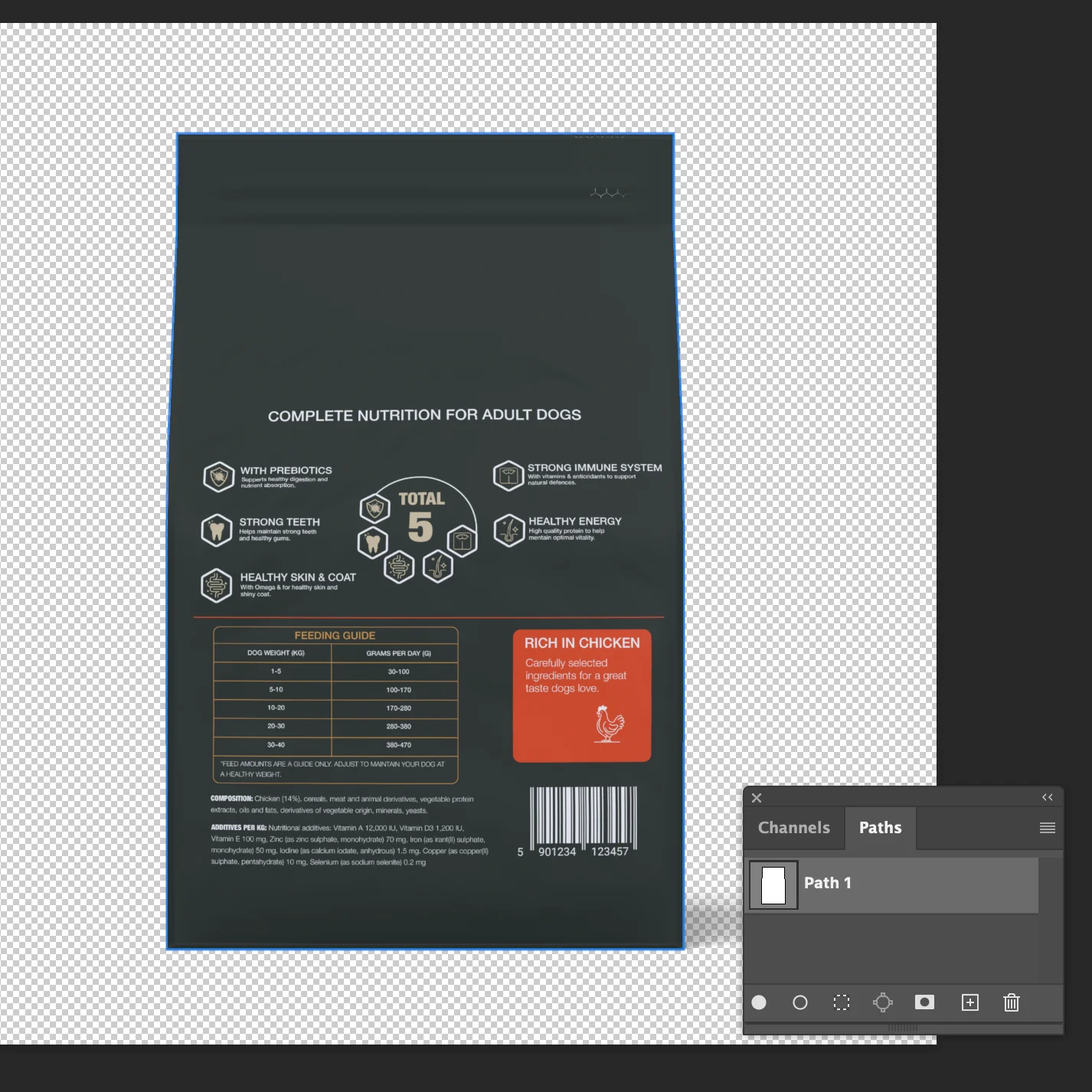
Rendered, not generated.
Every image is rendered from your approved artwork and a 3D model of the pack. No AI invents anything, so the label in the image is the label on the shelf.
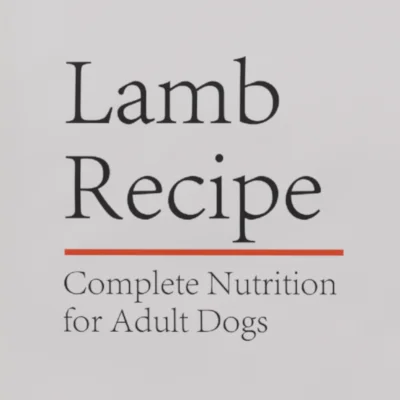
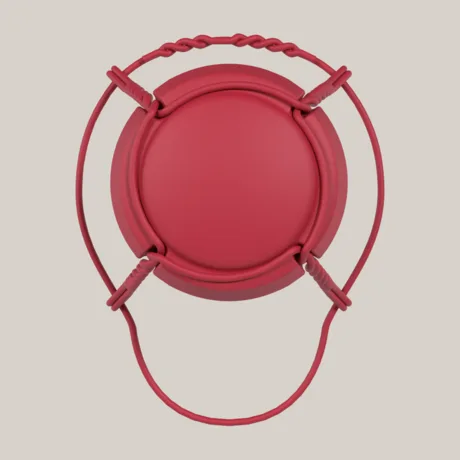
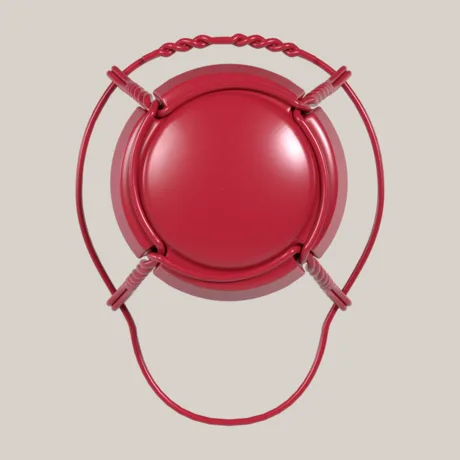
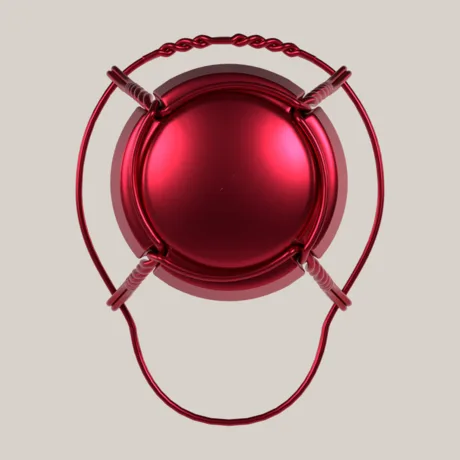
Matte, gloss or metallic
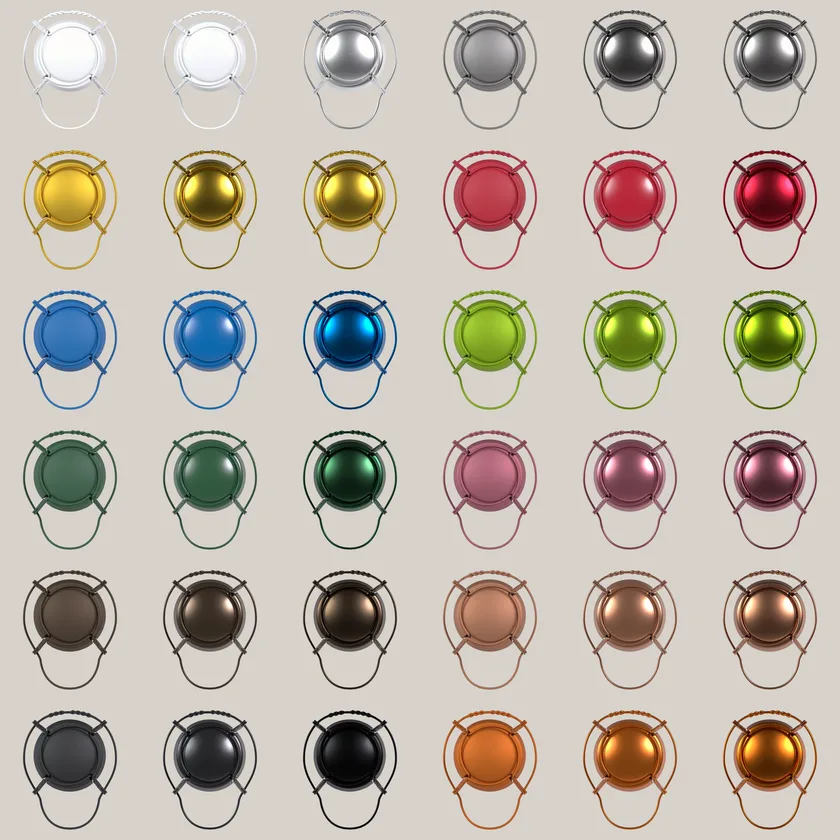
We build the finish into the 3D model, not just the colour. Metallic paint looks like metal, and matte stays matte.
Get one product right. Every variant follows.
We build the 3D model and set up the first product with you: lighting, camera and angles to your requirements, approved by your team. Every variant after it, each flavour, size and language, is made to the same specification.
Start with a pilot
Studio also works on its own. Start a pilot with a handful of products, or use it as your team's tool if you are a smaller company. When you are ready, connect it to your systems and let production run.
How automation fits your systemsDiscover how your existing packaging artwork can become ready-to-use product and marketing content.
See :OVIO's automated content production in action.