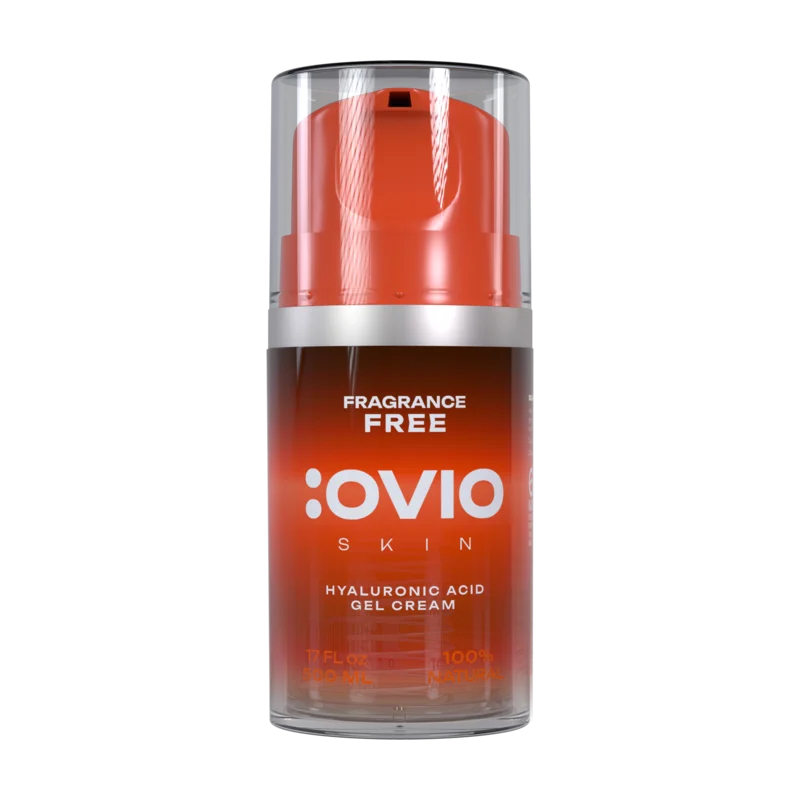
Composer
Campaign scenes from the products you already have.
Composer places your digital products in marketing scenes: collections, campaigns and banners, with every pack as accurate as in its packshot.

How a scene comes together
Load
Bring in one or more digital products from Studio.
Frame
Choose the camera and the format.
Compose
Place and arrange the products.
Light
Light the scene like a photo studio.
Render
The scene, and a matte to go with it.
Ready for your designers
Every render comes in two layers: the products, cut out, and a matte with their shadows, so your designers can put them on any background in their own layouts.
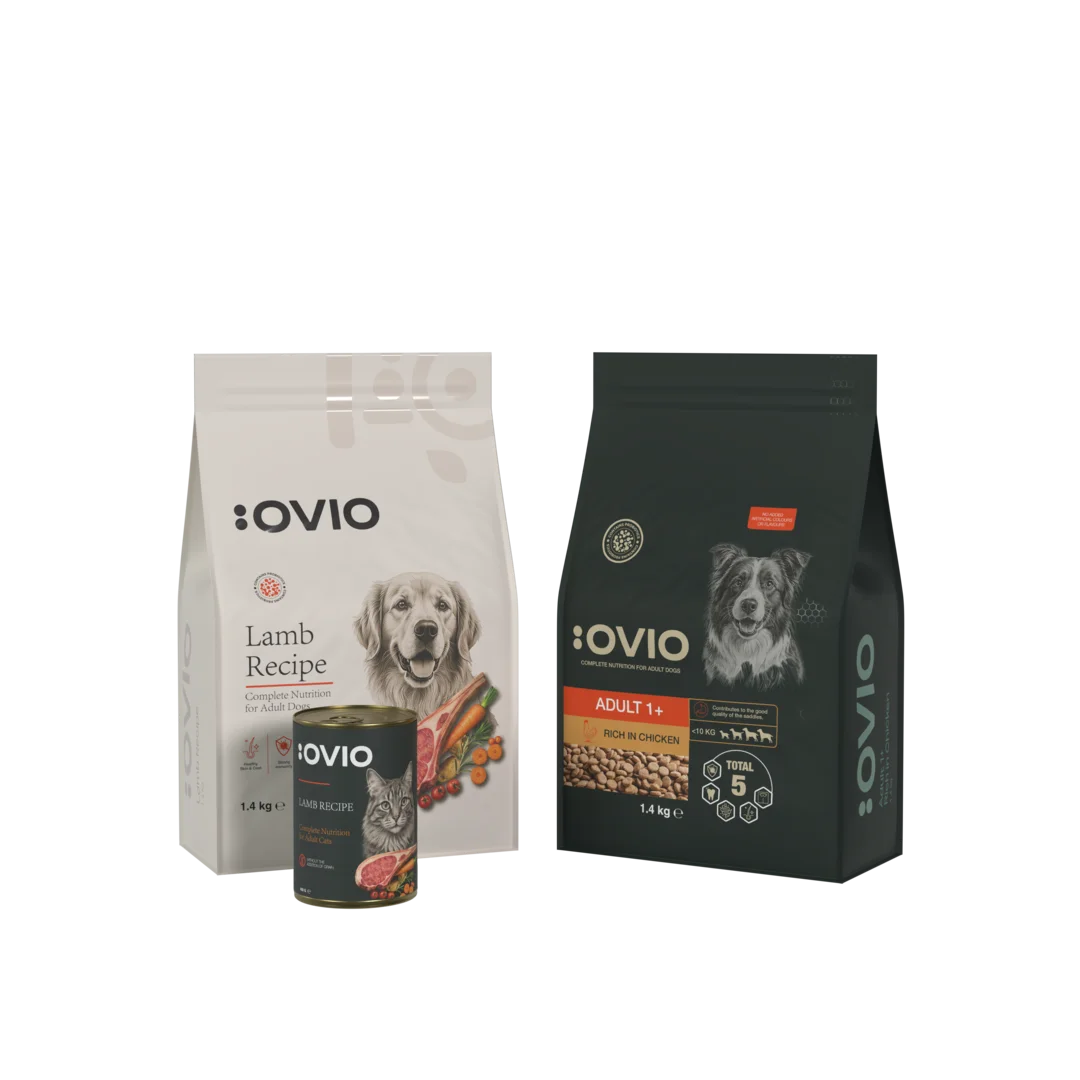
The products, cut out

The matte: their shadows
One scene.
Every range.
Build a scene once and render it again for each new range, with every product in the same place, under the same light.
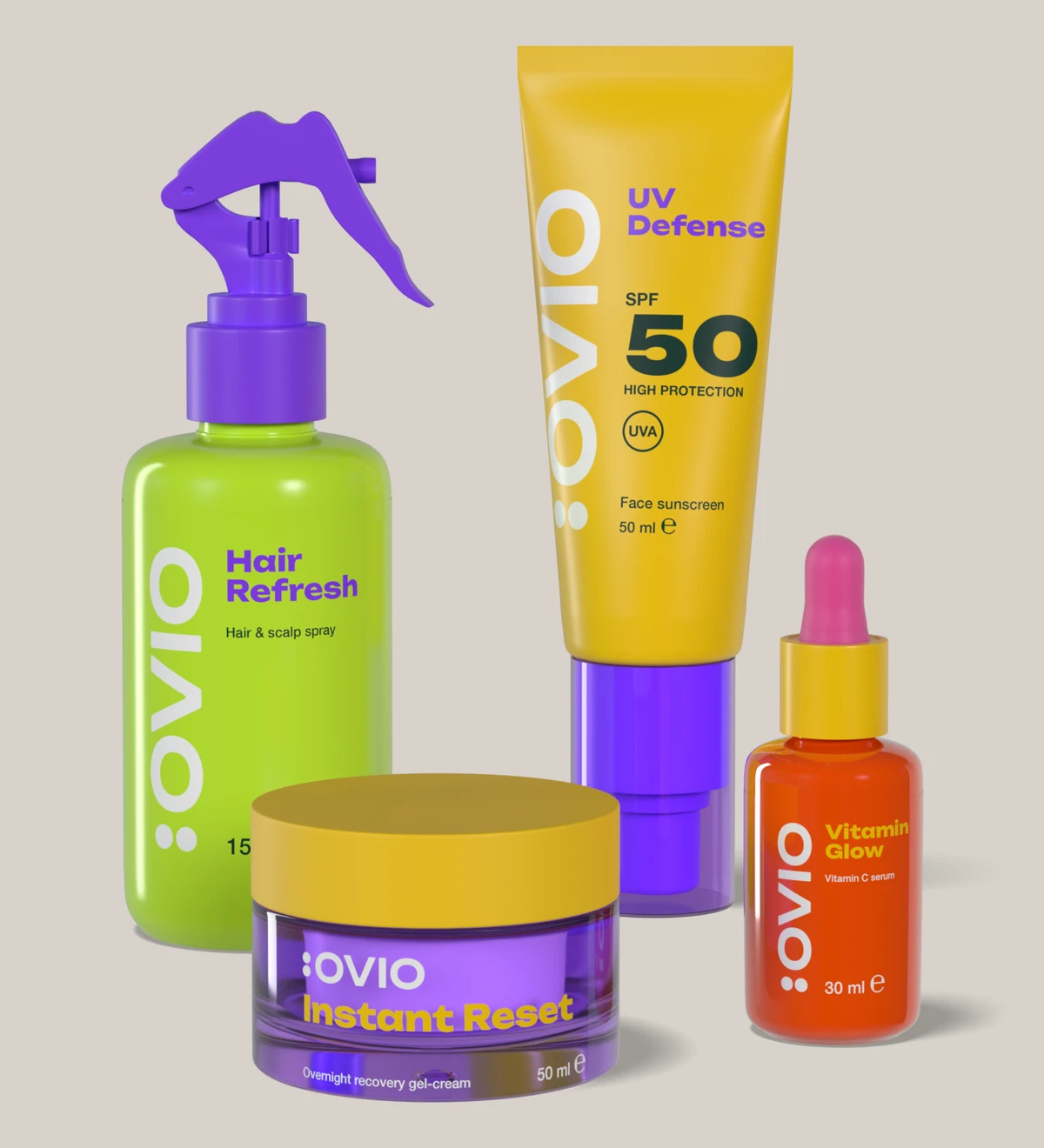
These three ranges are built on the same four 3D models. Only the design changes: the artwork, the colours and the materials.


Made for
Campaigns
A new season, a new scene, the same accurate products.
Product collections
A whole range shown together.
Website banners
Scenes in the formats your channels need.
Launches
Campaign content before the product exists.
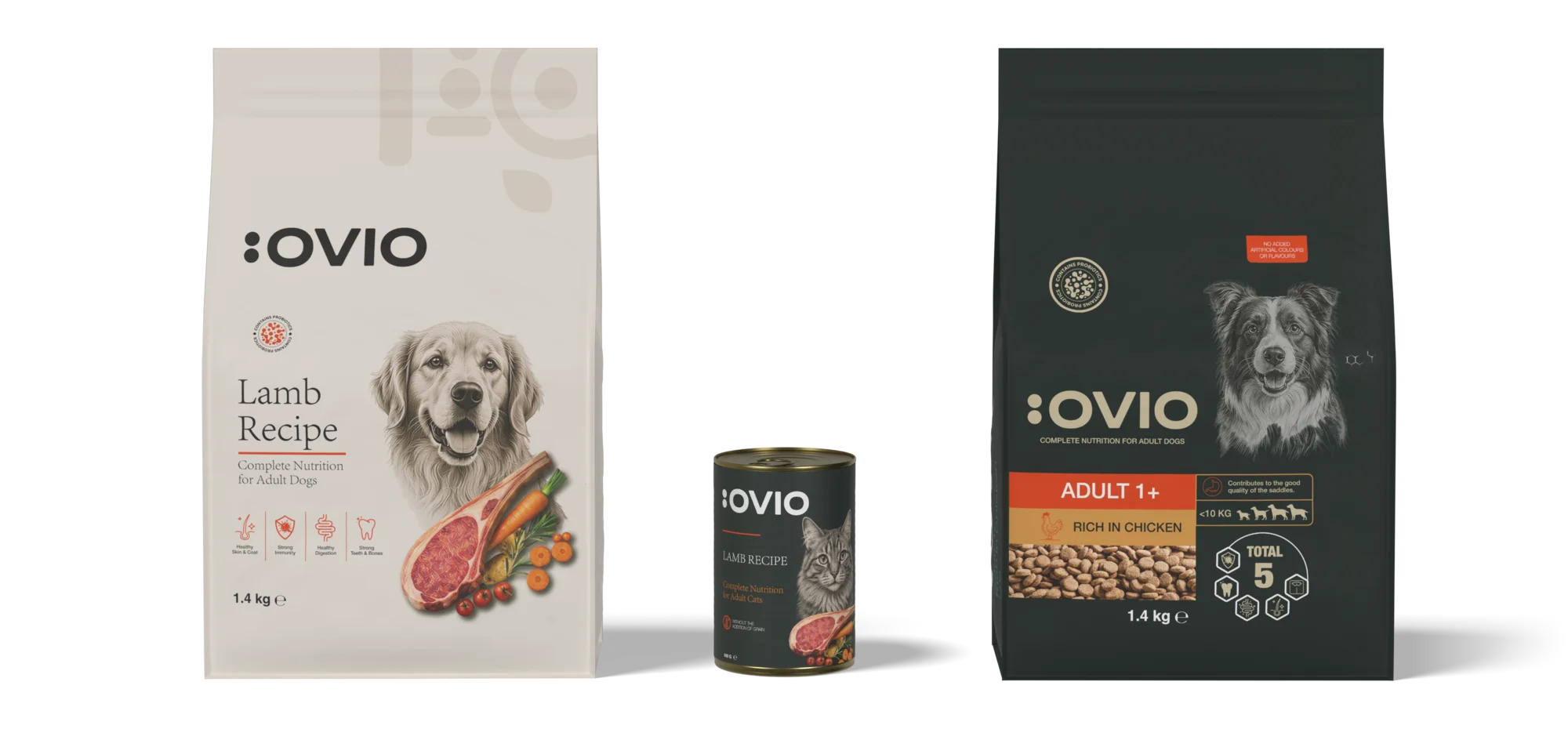
Discover how your existing packaging artwork can become ready-to-use product and marketing content.
See :OVIO's automated content production in action.